Early Launch Sale | 80% Off
★★★★★
"My son keeps asking for more!" 🥹
Make Cinematic Family Films In 1 Day, Using Only Your Phone
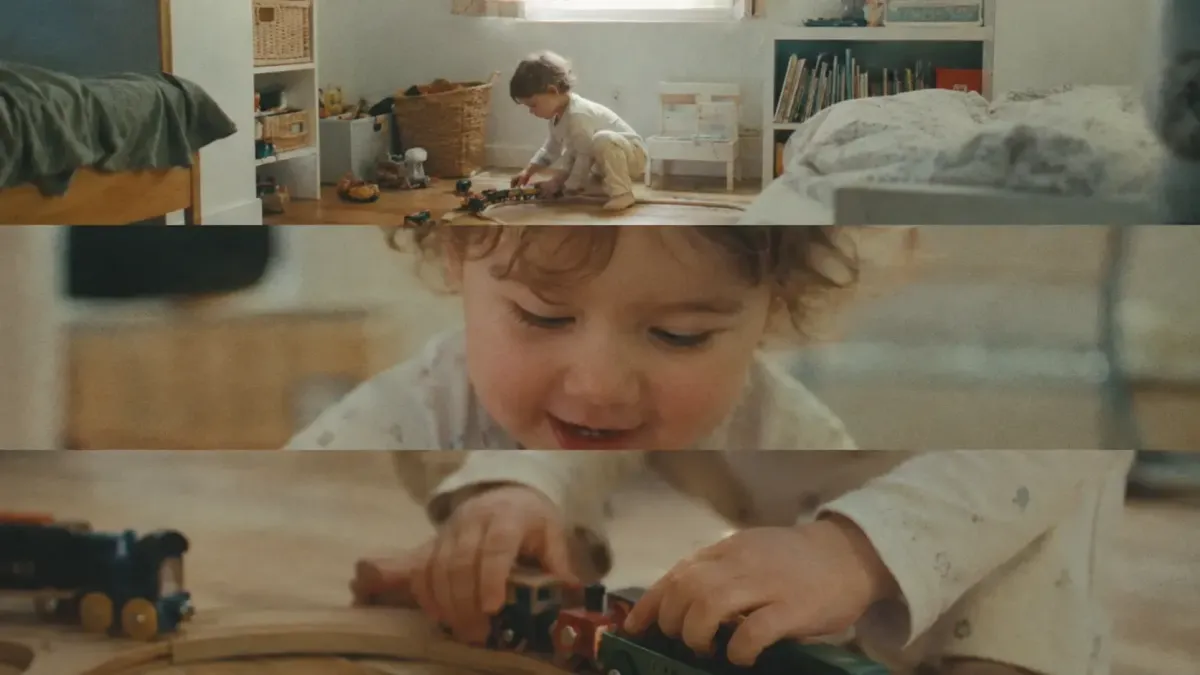
Write a simple story, film it beautifully and put it together into a family film - using any phone and a free editing app.
30-Day Guarantee
Lifetime Access
Community Included
30-Day Guarantee
Lifetime Access
Family Community Included
Go from loose clips
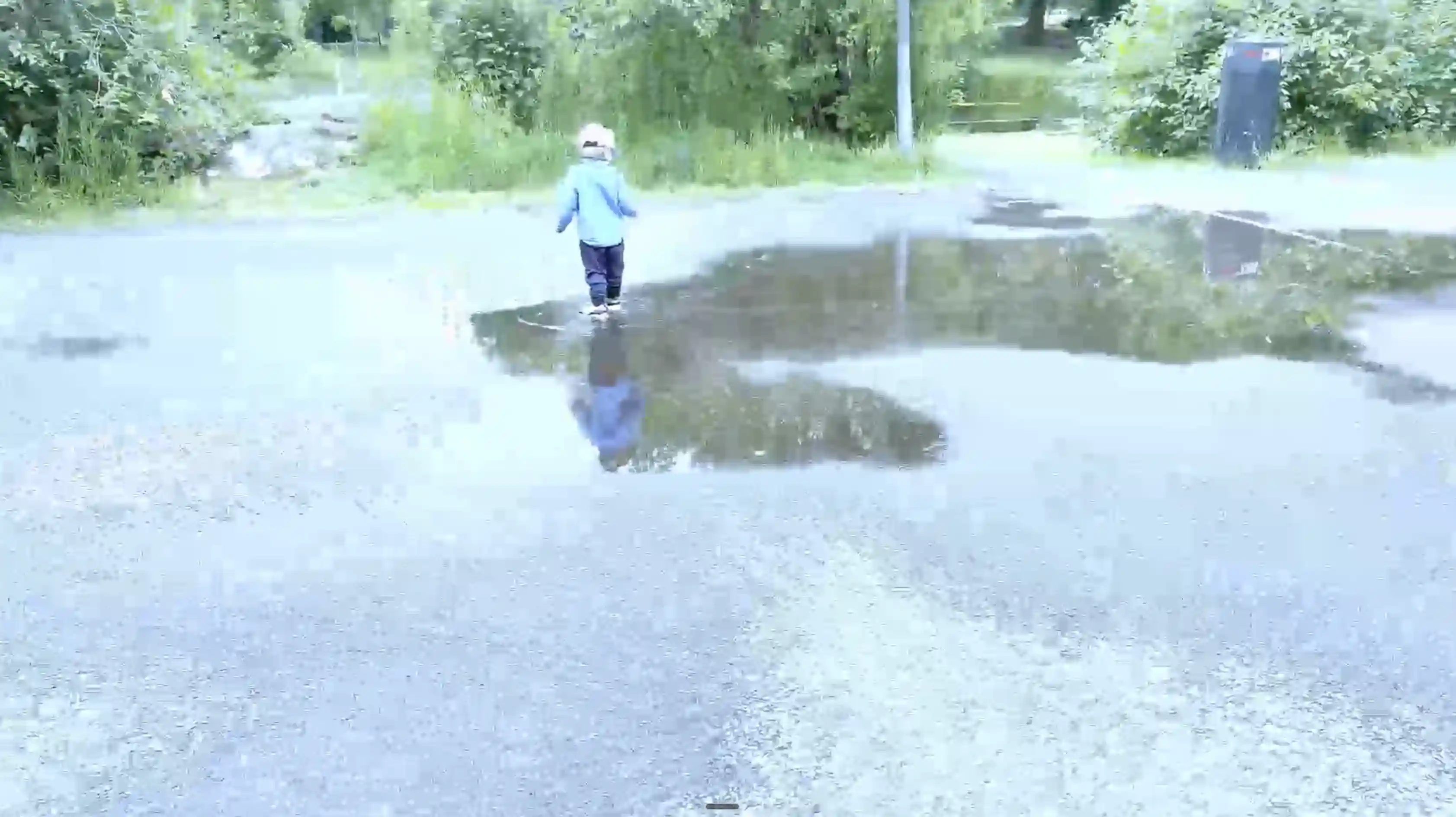
No clear story
Messy filming
Memories scattered
To family films
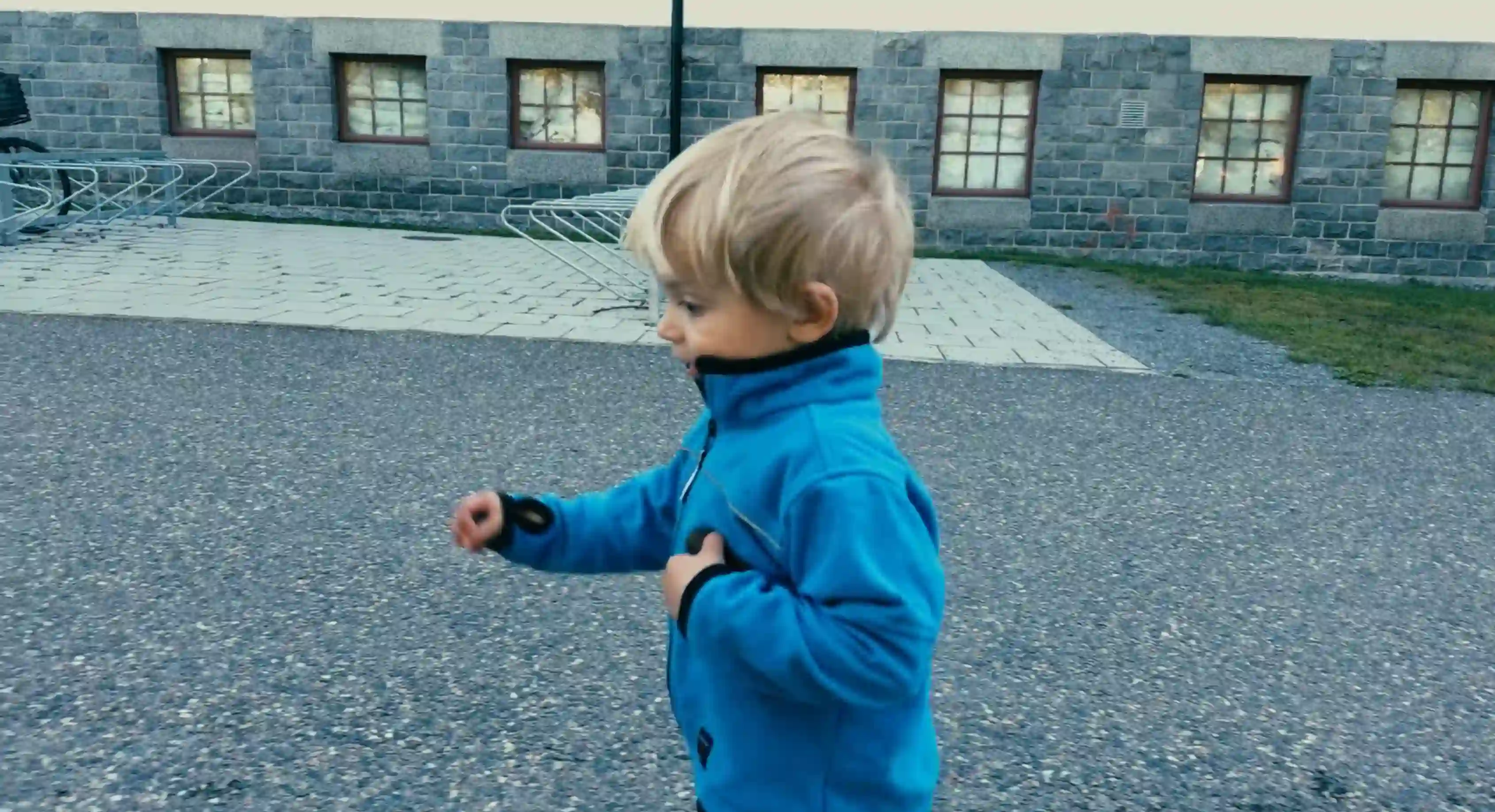
Complete stories told
Beautifully filmed
Best moments kept
Beautiful Home Movies. Made By You.
Bedtime stories told under a blanket.
Their first wobbly steps.
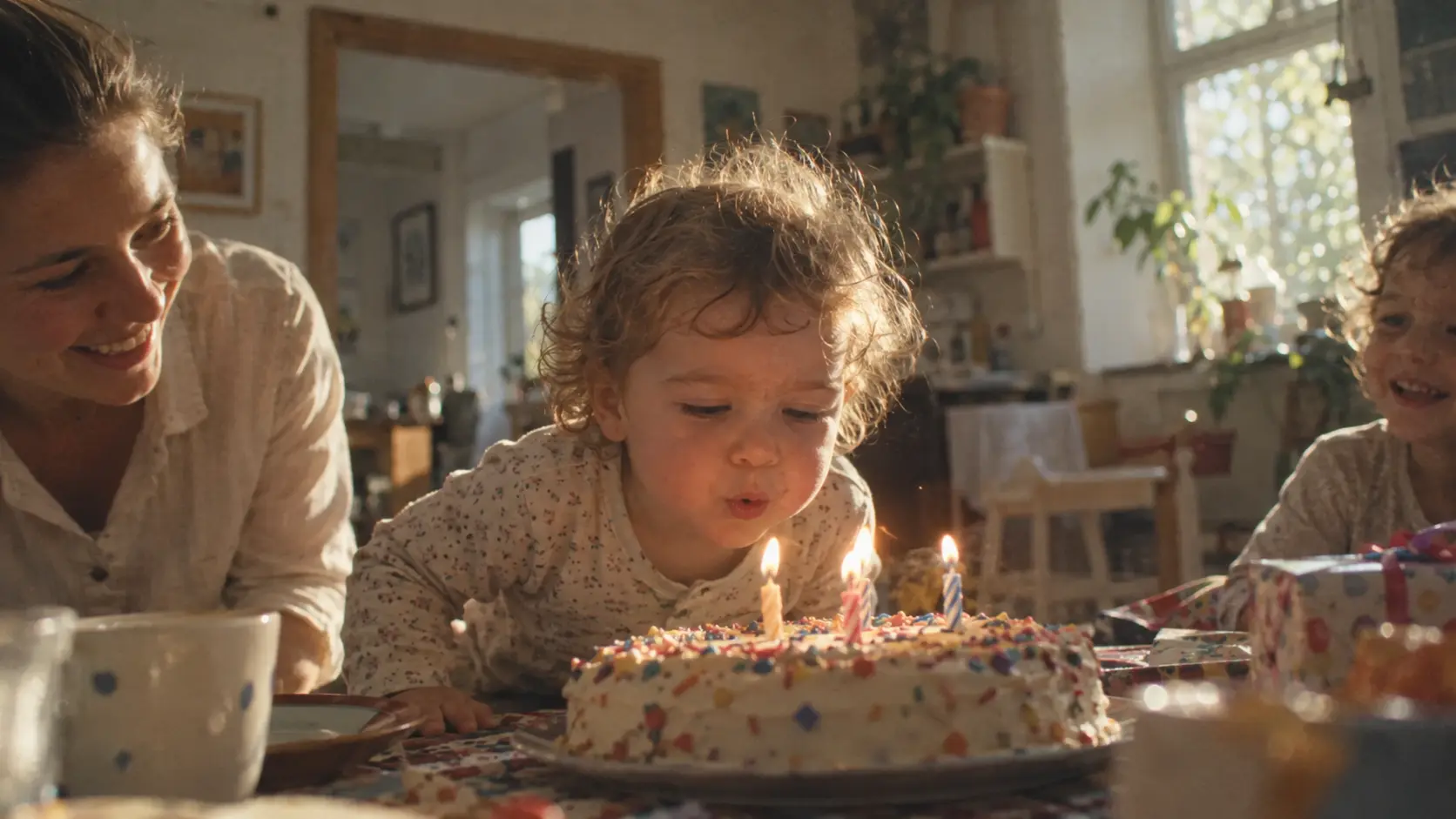
Blowing out birthday candles.
You'll tell the story of their childhood, one chapter at a time.
Press Play & Feel Like You're There Again
See their little hand holding yours.
Hear their tiny voice calling your name.
Watch them scrunch their nose when they laugh.
For a moment, they're your little baby again.
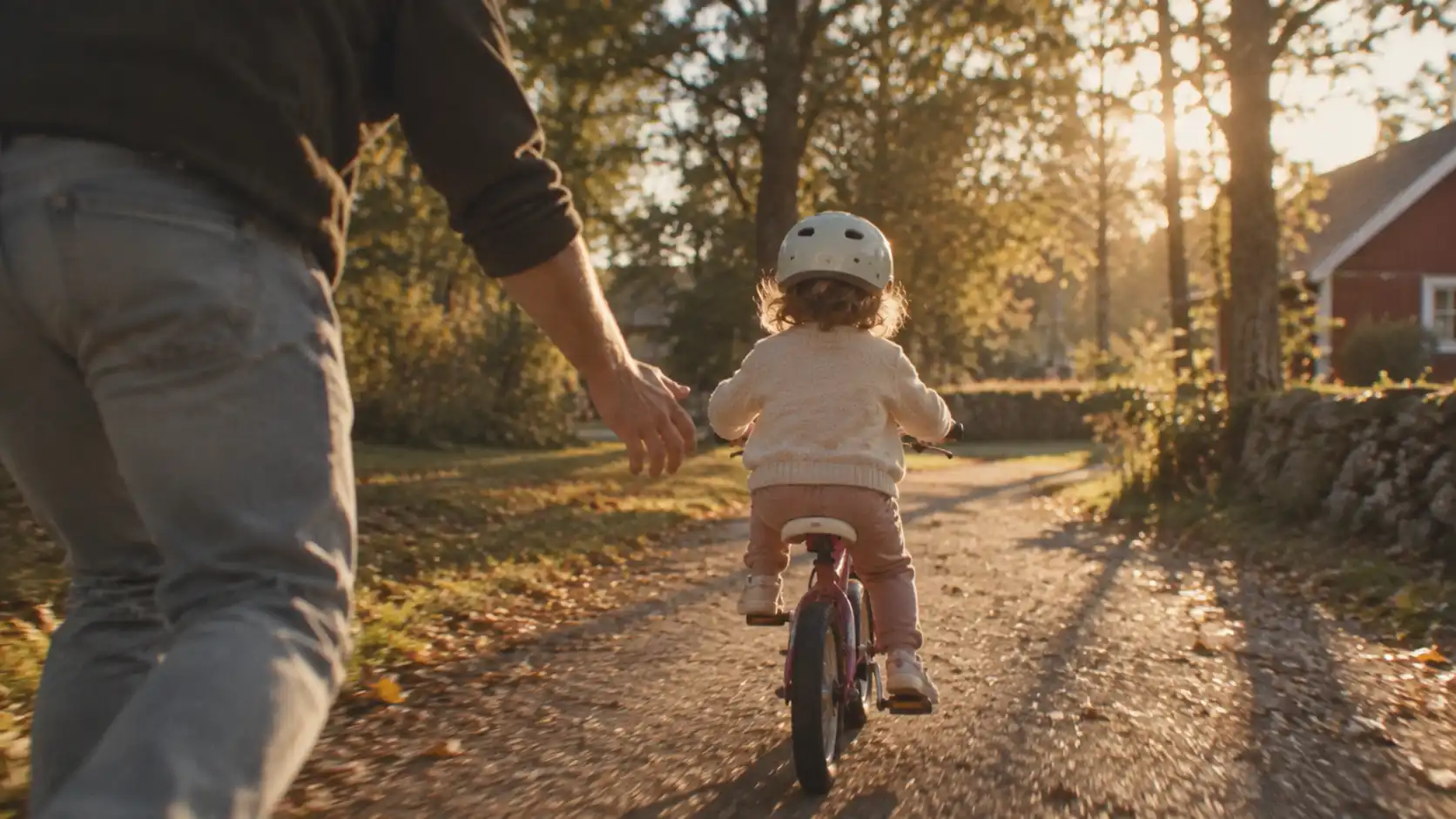
Show Loved Ones What They Missed
Partner was away on business?
Grandma missed the trip to the zoo?
Now they can watch the whole day play out.
As if they were there all along.
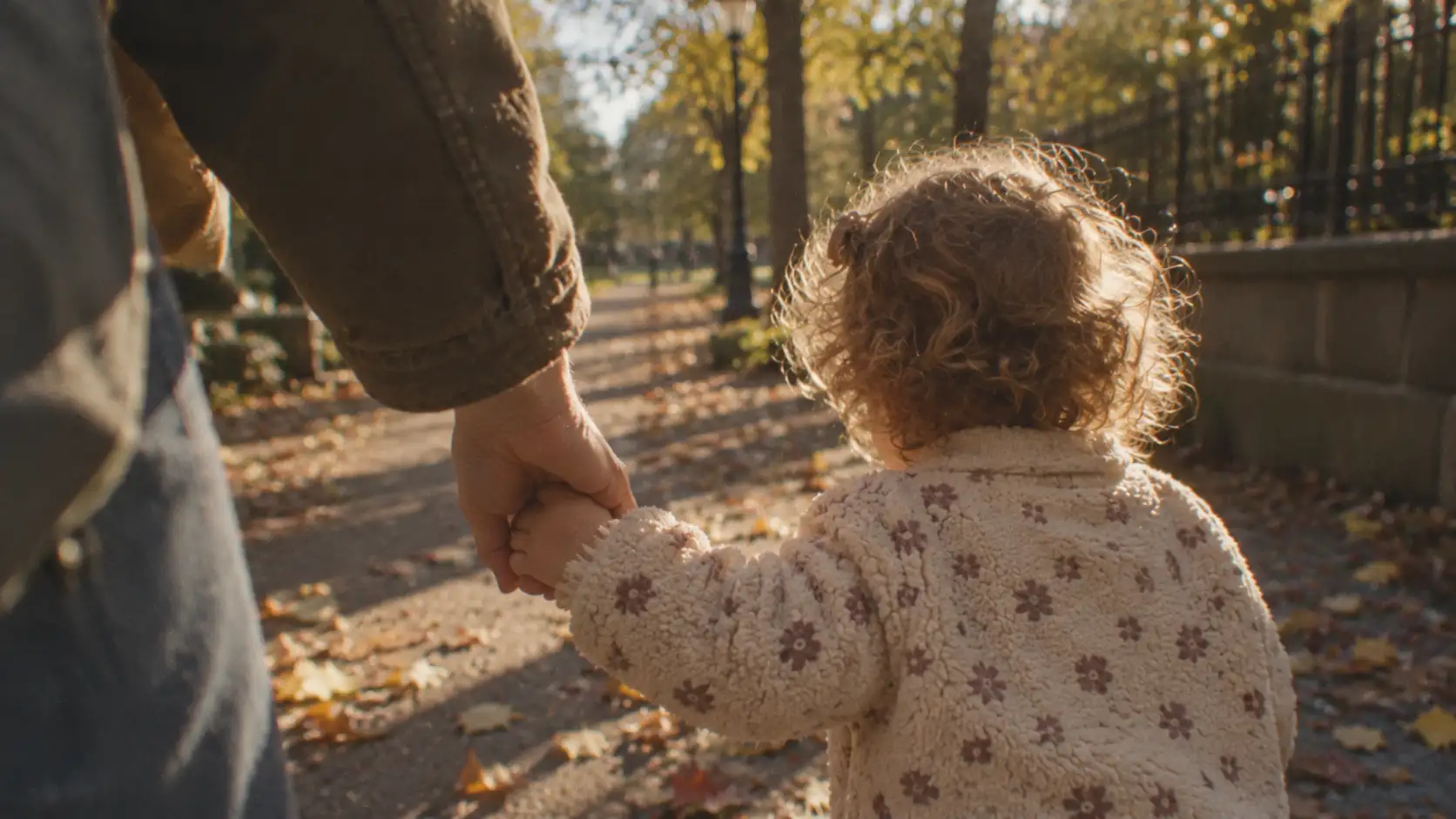
Take Them Back To Their Childhood
Twenty years from now, they'll see it all again.
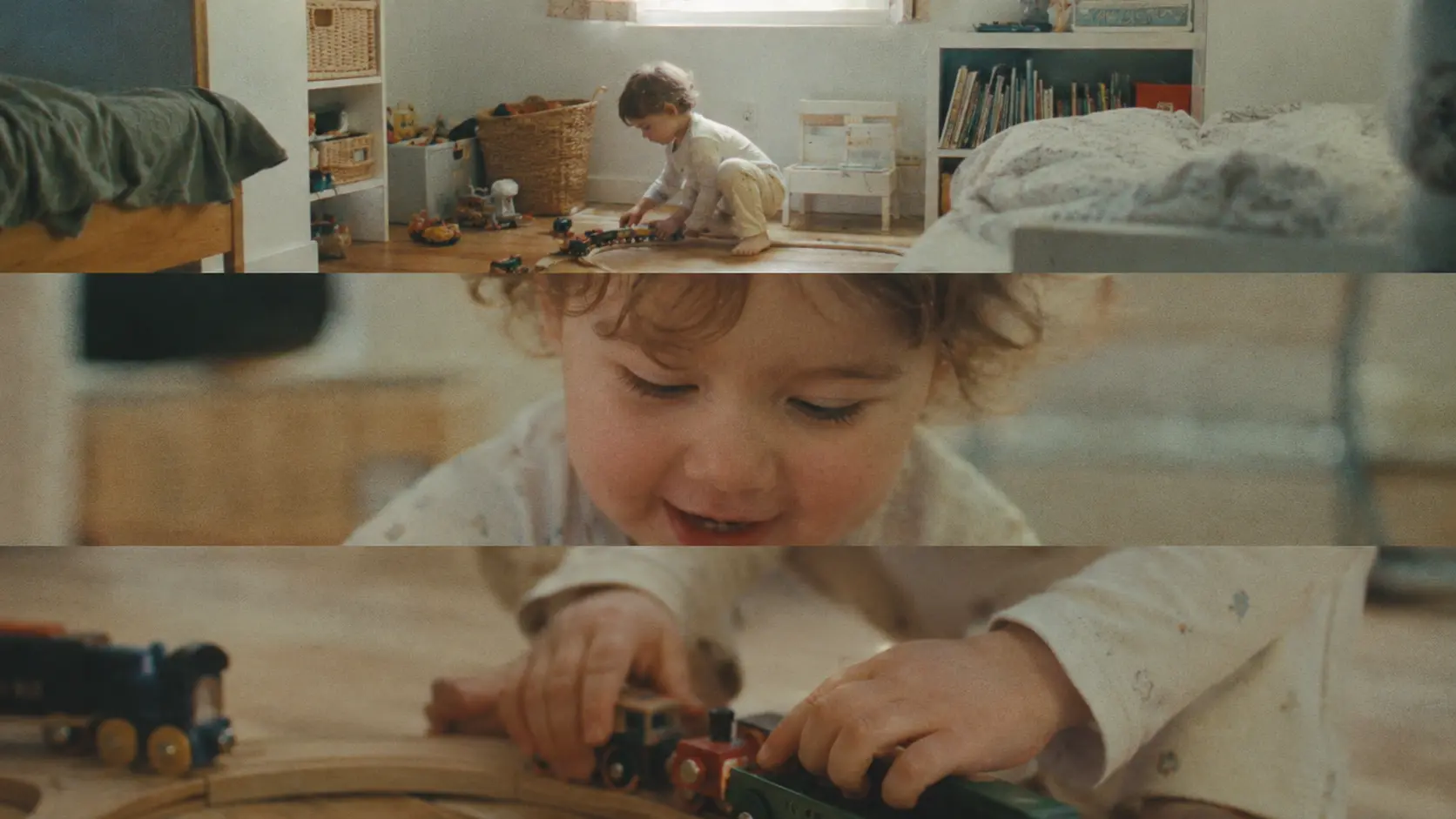
Their favorite toy train rolling on the tracks.
How they peeked under the Christmas tree.
The way you danced with them in the kitchen.
They'll remember what growing up with you felt like.
Taught by a filmmaker
Proud dad of two
12,000+ students in 7 courses
Proud Parents & Their Films
How beautiful seeing my daughter this way! We filmed ourselves baking and turned it into a little movie. I usually send my husband clips from the day but this time he got a whole story. It was really fun doing this as an activity together and I'm looking forward to making more movies 😊

I can't believe what came out of my phone. Thought I need professional cameras or whatever to film cinematically. Really grateful to have learned this. Our hike turned into a cinematic film with beautiful views and I had such a cozy time with him while doing it. Can't wait to show him these things when he grows up.

Made a movie of my kids making a snowman and they had such a blast doing it! We ate pumpkin soup and watched in on the TV that very same evening. I'm not very technical but the editing was so fast and smooth, I thought it would be much harder than that. Added a filter that made it look like an old VHS-tape and it brought me back to my own childhood. Thank you for this, really!!
Thousands Of Clips.
No Real Stories.
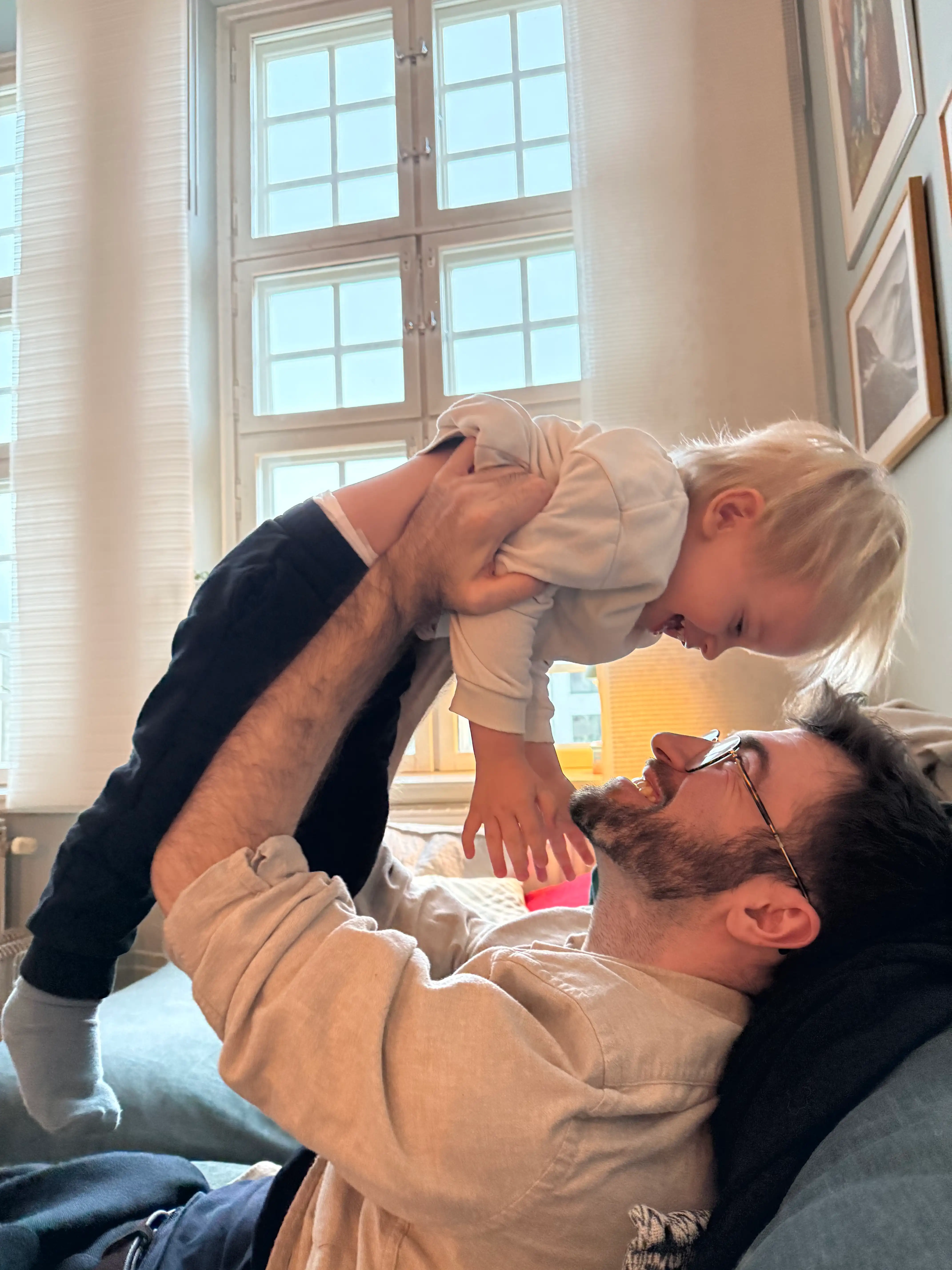
Hey, I'm Ben! Filmmaker, photographer, and dad of two.
After recording over 20,000 clips of my son, Nima, I realized a problem...
Most clips started in the middle, ended abruptly and were either too long or too short.
Never a complete story...
It felt like I was splitting his childhood into thousands of little pieces...
As a filmmaker of 15+ years, I knew how to tell stories with a camera.
So I used those skills to start making family films with my phone.
Like this one:
And I wish I'd started sooner.
Nima loves watching himself on the TV.
And my wife keeps asking me to make more.
I haven't looked back ever since.
That's why I created 1 Day Family Filmmaker.
To help you create beautiful memories of your kids you'll cherish for a lifetime.
Make Your First Film Today
Learn in 1 day
Film with any phone
Free editing app
Pick A Simple Toddler Moment
Everyday moments like walks, playground visits or breakfast routines.
Film With Your Phone
Follow the shot list to capture the 10–15 essential clips that make the story feel complete.
Build Your Highlight Movie
Arrange the clips using the editing guide and export a polished 15–60 second film.
By Tonight, You'll Know How To:
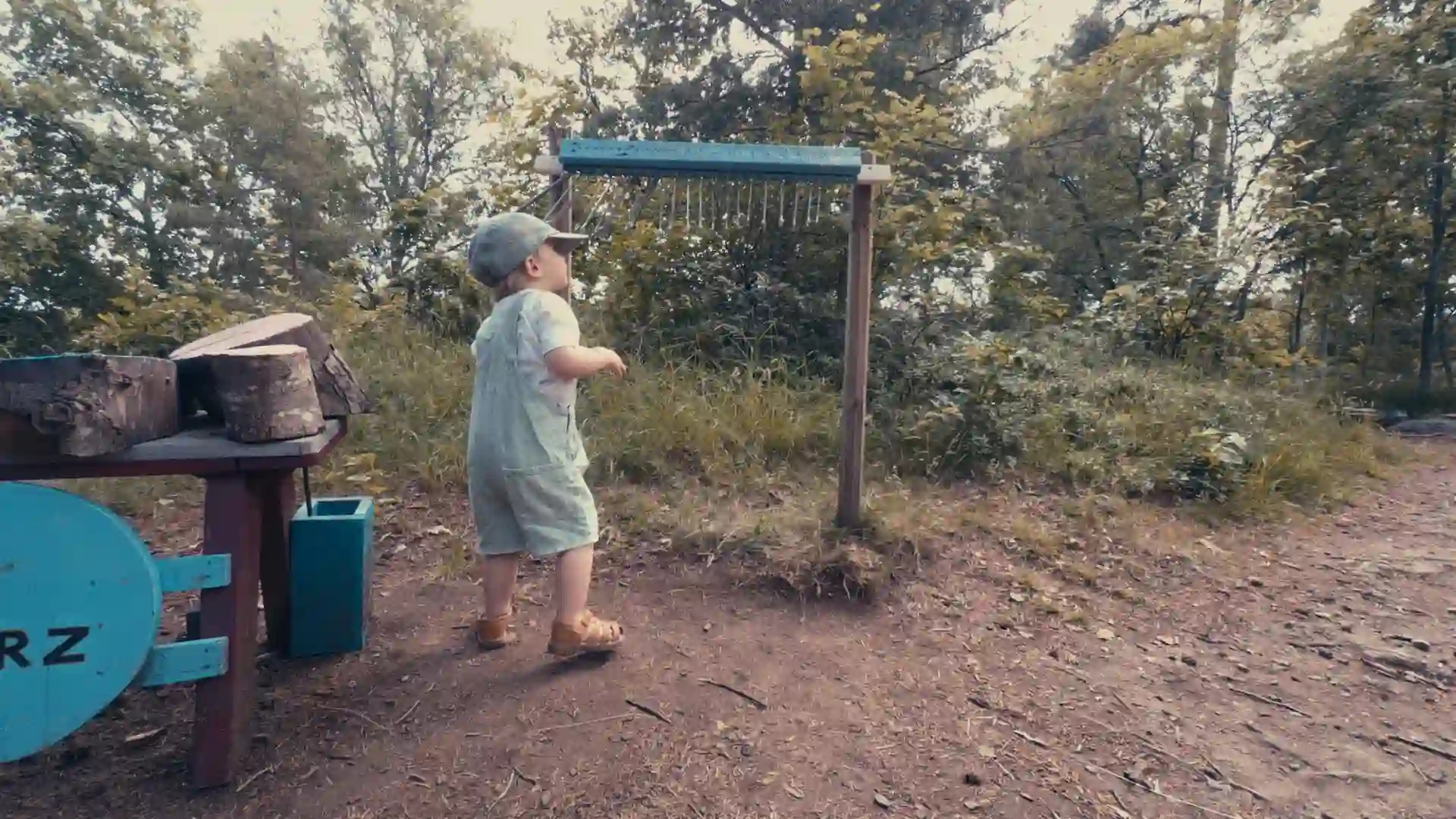
Turn Everyday Life Into Little Movies
Imagine baking cookies, playing in the park, or flying a kite turned into a beautiful film instead of scattered clips on your phone.
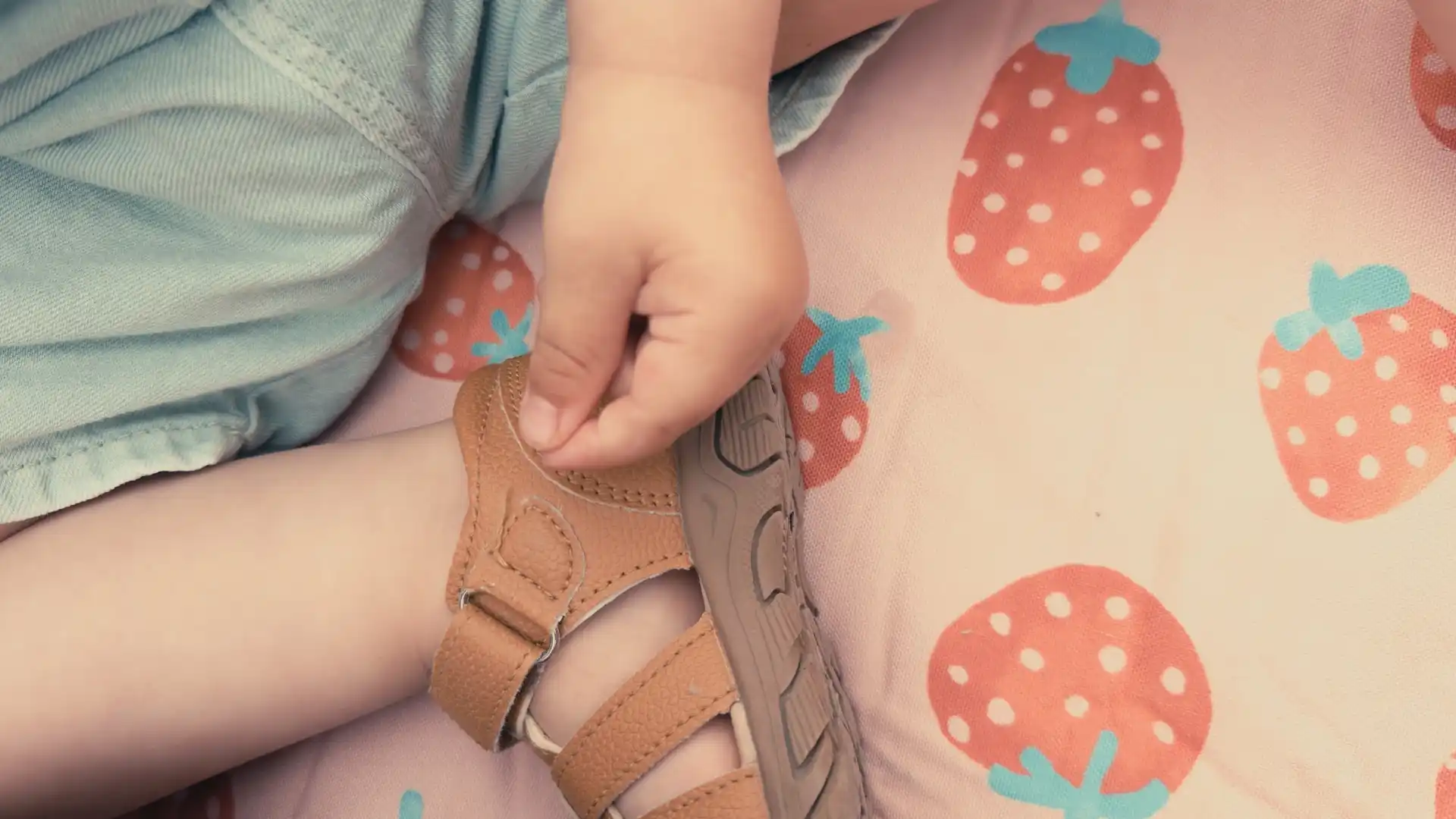
Know Which Exact Moments To Film
Film only the exact few moments that tell a complete story, without spending the entire day recording endless clips.
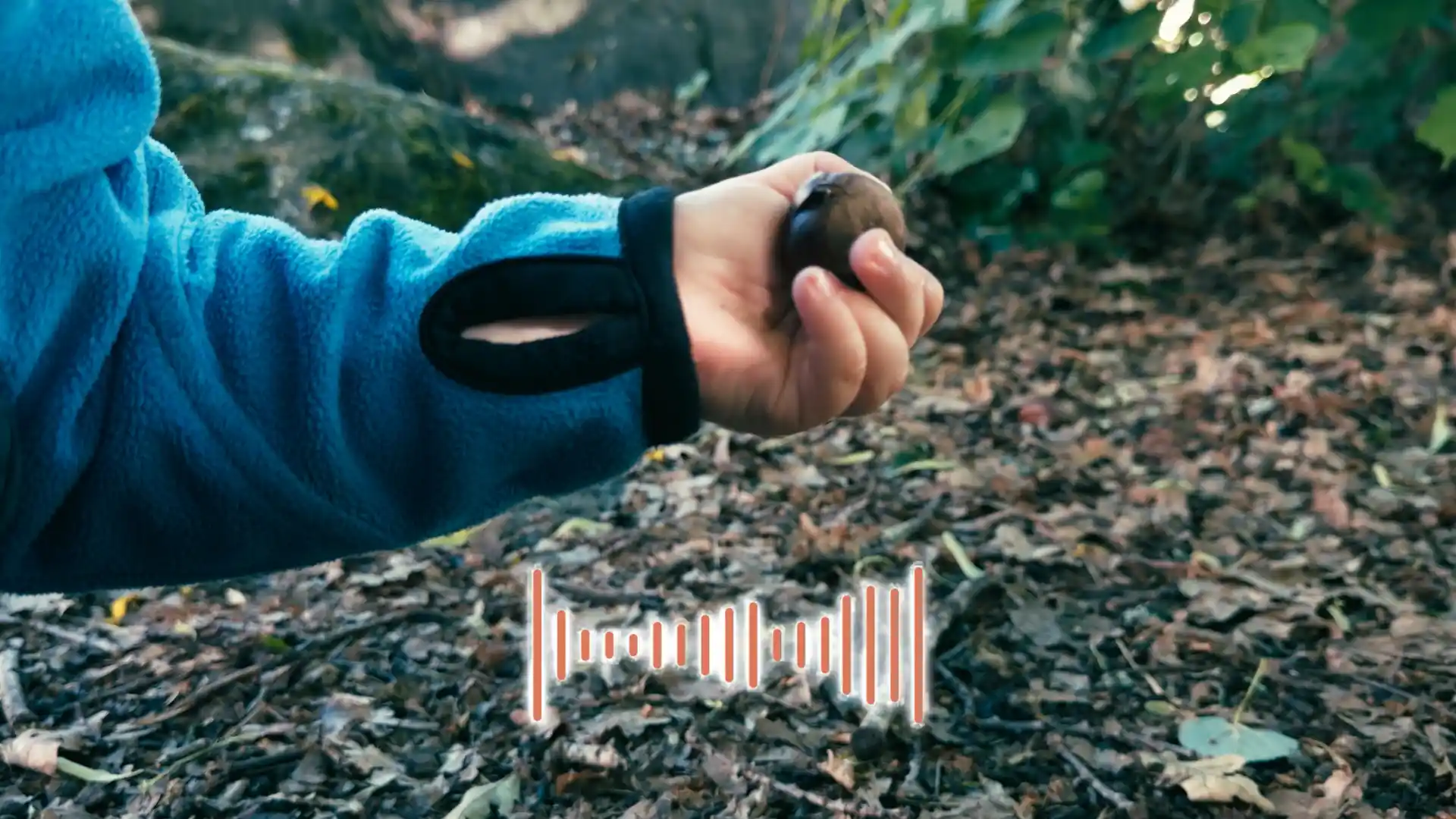
Beautiful Footage With Just Your Phone
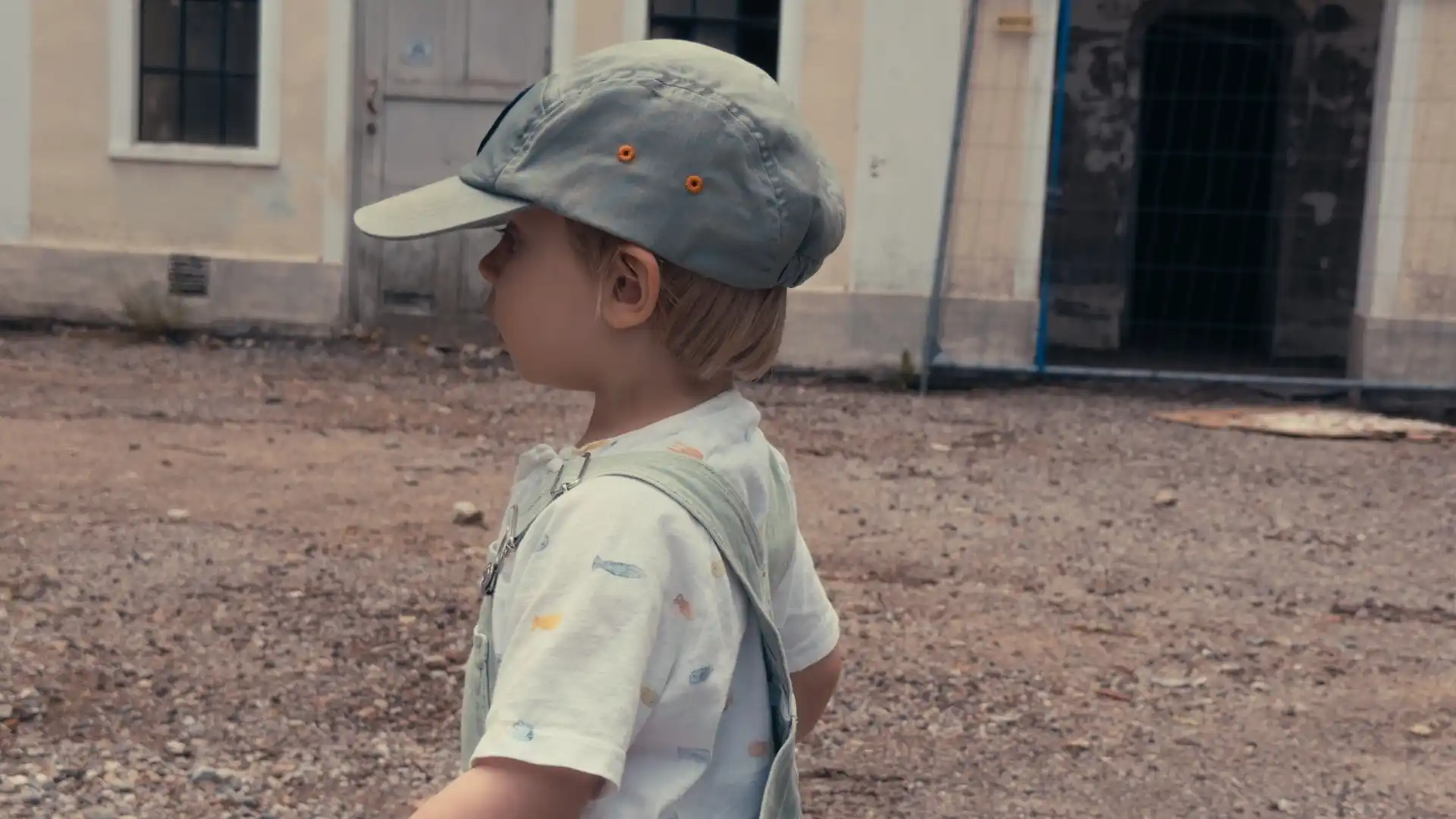
Make each clip look atmospheric and cinematic without expensive cameras, equipment, or filmmaking experience.
Turn Your Clips Into A Finished Film
Easily put your clips together, add music, and create a beautiful family film you're proud to share, even if you've never edited a video before.
How It Works
Pick any ordinary moment
Breakfast. Playtime. A birthday. Anything worth remembering.
Follow the simple shot plan
Capture 10–15 clips that tell the whole story.
Turn your clips into a film
Edit your clips, sound, and music together - fast.
My parents got to see my son doing a treasure hunt. They live states away so making movies and being able to share them like this has been a true blessing. Thank you so much for making this course!

I'm not good with cameras and settings but Ben has been a fantastic teacher! Made everything sound so simple and straight forward. I was especially worried about editing but I didn't get stuck at all, just had to put stuff in order and add a few texts and effects. Really proud of what I accomplished!
I found this course right before we went on holiday. Felt stressed about buying and packing camera gear. Thanks to this program, we've documented our entire trip and can now watch it back whenever we want. God bless!
Works for busy parents
Kids of any age
Even if they don't sit still
★★★★★
See What 10–15 Clips Can Become

What You'll Learn
Storytelling & Planning
Planning out your first shoot
Creating a simple story arc
Use our plug-and-play checklist

Settings & Gear
Working with native vs Blackmagic Cam
Getting perfect exposure
How to get butter smooth video
Natural Light
Finding beautiful light anywhere
Tracking the sun for golden hour
Angle correctly for flattering light
Composition & Angles
Creating cinematic depth
Using shot variations
Creative and interesting angles
Camera Movement
Move, pan and zoom like a cinematographer
Know when to stand still
Keeping up with toddler movements
Directing Your Toddler
Make them unaware of the camera
Inspire them to do things
Getting authentic reactions
CapCut Editing
Getting perfect audio without a mic
Arranging story on timeline
Music, pacing and color grading
Task: Making Your Film
Planning out your shots
Setting everything up fast
Done-for-you checklist
What You'll Learn
Storytelling & Planning
Planning out your first shoot
Creating a simple story arc
Use our plug-and-play checklist
Settings & Gear
Working with native vs Blackmagic Cam
Getting perfect exposure
How to get butter smooth video
Natural Light
Finding beautiful light anywhere
Tracking the sun for golden hour
Angle correctly for flattering light
Composition & Angles
Creating cinematic depth
Using shot variations
Creative and interesting angles
Camera Movement
Move, pan and zoom like a cinematographer
Know when to stand still
Keeping up with toddler movements
Directing Your Toddler
Make them unaware of the camera
Inspire them to do things
Getting authentic reactions
CapCut Editing
Getting perfect audio without a mic
Arranging story on timeline
Music, pacing and color grading
Task: Making Your Film
Planning out your shots
Setting everything up fast
Done-for-you checklist
You'll Build A Family Legacy
Movies your family will rewatch for years
A way for your kids to revisit their childhood
A permanent record of what life felt like when they were little
Early Launch Sale!
Join Today & Save $250+
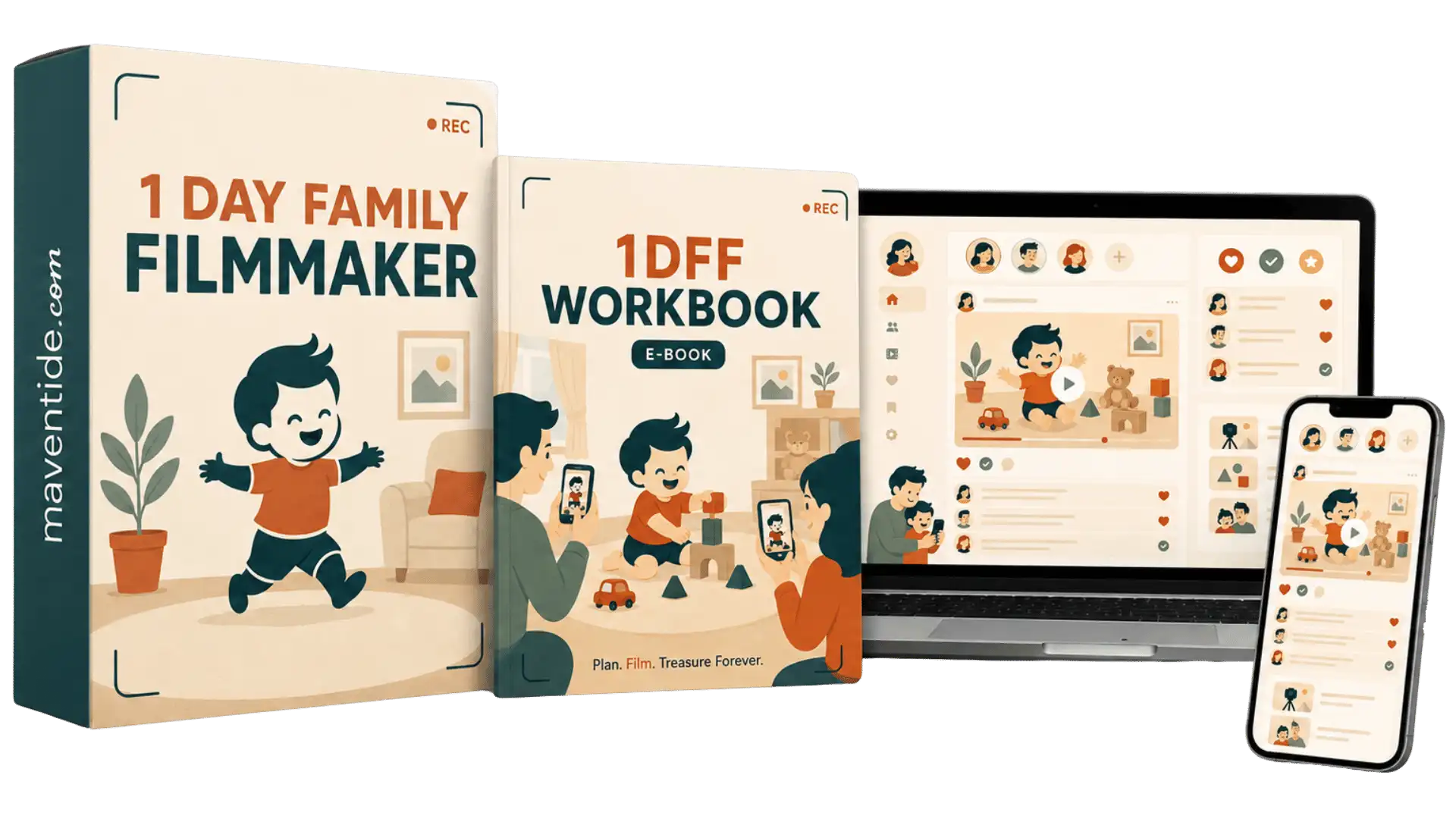
1 Day Family Filmmaker
$199 $67
Learn to plan, film, and edit beautiful family films in one day, using just your phone.
Family Filmmaking Handbook
$39 FREE
Your filming pocketbook containing visual shot lists, filming guides, and cheatsheets.
Family Music Vault
$19 FREE
Handpicked music, organized by mood, to bring your family films to life. Drag and drop into your films.
Personal Feedback On Your First Film
$59 FREE
I'll personally review your first film, highlight what works, and show you what to improve.
Family Community
$29/month FREE
Share your films, get help, and join live Q&As with other parents.
Buy during this sale and get FREE lifetime access!
Join Today For:
$345
$67 USD
(One-Time Payment)

My 30-Day Guarantee

Make your first family film. Watch it back. See how you feel.
You’ve got 30 full days to try the course.
If you’re not happy with what you create, I’ll refund every cent.
Making Family Films - Step By Step
The Camera
Set up your phone for filming, choose the right resolution and orientation, and learn when to use regular video or slow motion.
Storytelling
Choose a moment worth filming, give it a clear beginning, middle, and end, and plan the shots you need to tell the story. Learn to recognize the little details and reactions that make your film emotional.
Cinematic Filming
Learn how to use different shot types, camera angles, natural light, framing, lenses, and camera movements to make your footage look cinematic.
Clean Audio
Learn how to record clear voices and natural sounds, avoid unwanted background noise, and get better audio using your phone's built-in microphone.
Filming Your Child Naturally
Learn how to film children who won't sit still, react to the camera, or follow your plan. Capture genuine reactions without asking them to pose or perform.
Time To Shoot
Follow the complete filming process, from preparing your shot list to recording your final clip. Watch me plan and shoot a real family film, step by step.
Editing Your Family Film
Learn to edit your film using CapCut or VN. Arrange and trim clips, add music, adjust timing, apply filters, and export your finished family film.
Preservation
Learn how to organize, name, back up, and store your finished films and original clips so they're easy to find and safely preserved for the future.
This Course Is For Parents Who:
Have thousands of clips they rarely watch
Want to tell their kids' stories
Wish to relive memories in the future
Want a way to share it with relatives
Feel buried in loose clips
Wish their videos told the whole story
Want to remember the little things
Want to preserve their childhood
The Course Is NOT For People Who:
Want viral videos of their kids
Want to turn family life into content
Want staged or scripted videos
Want viral videos of their kids
Want to grow a following
Want to turn family life into content
Want staged or scripted videos
Join Today And Become A Founding Member:
1 Day Family Filmmaker

Short, step-by-step video lessons covering phone setup, natural light, framing, movement, filming toddlers naturally, and editing your first highlight movie in CapCut.
Limited Founding Member Bonuses:
Cinematic Look Pack

3 cinematic film looks that are baked directly into your footage while you shoot (no color grading or editing required)
First Movie Guide

The essential 10-15 shots you need, plus a simple editing guide that walks you through building your movie with a clear beginning, middle, and end.
Music Library

Hand-picked music that fits family films, so you don’t waste time searching for the right emotional or playful track.
Private Community

Share your movies, get feedback and see what other dads are creating.
FAQs
Is it smartphone only?
Yes. The entire course is designed for the phone you already have — iPhone or Android. No camera or extra filming gear required.
Do I need filmmaking experience?
None. You’ll follow a simple process from choosing what to film all the way to finishing your first family film.
Is this for kids of any age?
Yes. The method works at any age — from little kids running around the house to older kids, holidays, trips and everyday family life.
What if my kids won’t sit still?
They don’t need to. You’ll learn to film them naturally while they play, move and do what they normally do — no posing or performing.
What if I get stuck or need help?
That's why I created the Family Community. In there, you can ask me for help directly and see what other parents are making as inspiration.
How long do I have access?
For life. You can go through the course now and come back whenever you want to make another film.
Are there any extra costs?
No required extras. You’ll film with your phone and edit with a free app — no paid software, cameras or subscriptions needed.
Their Childhood Won't Wait
Don’t leave their childhood buried in your camera roll. Turn it into family films you’ll cherish forever.
Learn how, in a single day.
