For any skill-level


BETTER Photos


NATURE & LANDSCAPES
Forests & Trails
Lakes & Rivers
Sunsets & Horizons

PEOPLE & PORTRAITS
Family Gatherings
Events & Travel
Hobbies & Activities

Markets & Streets
Buildings & Skylines
Café & Restaurants

MOTION BLUR
Light Trails
Waterfalls
Night Exposure

REFLECTIONS
Glass Surfaces
Water
Windows

SILHOUETTES
Mystery Figures
Gothic Looks
Shadow Trails


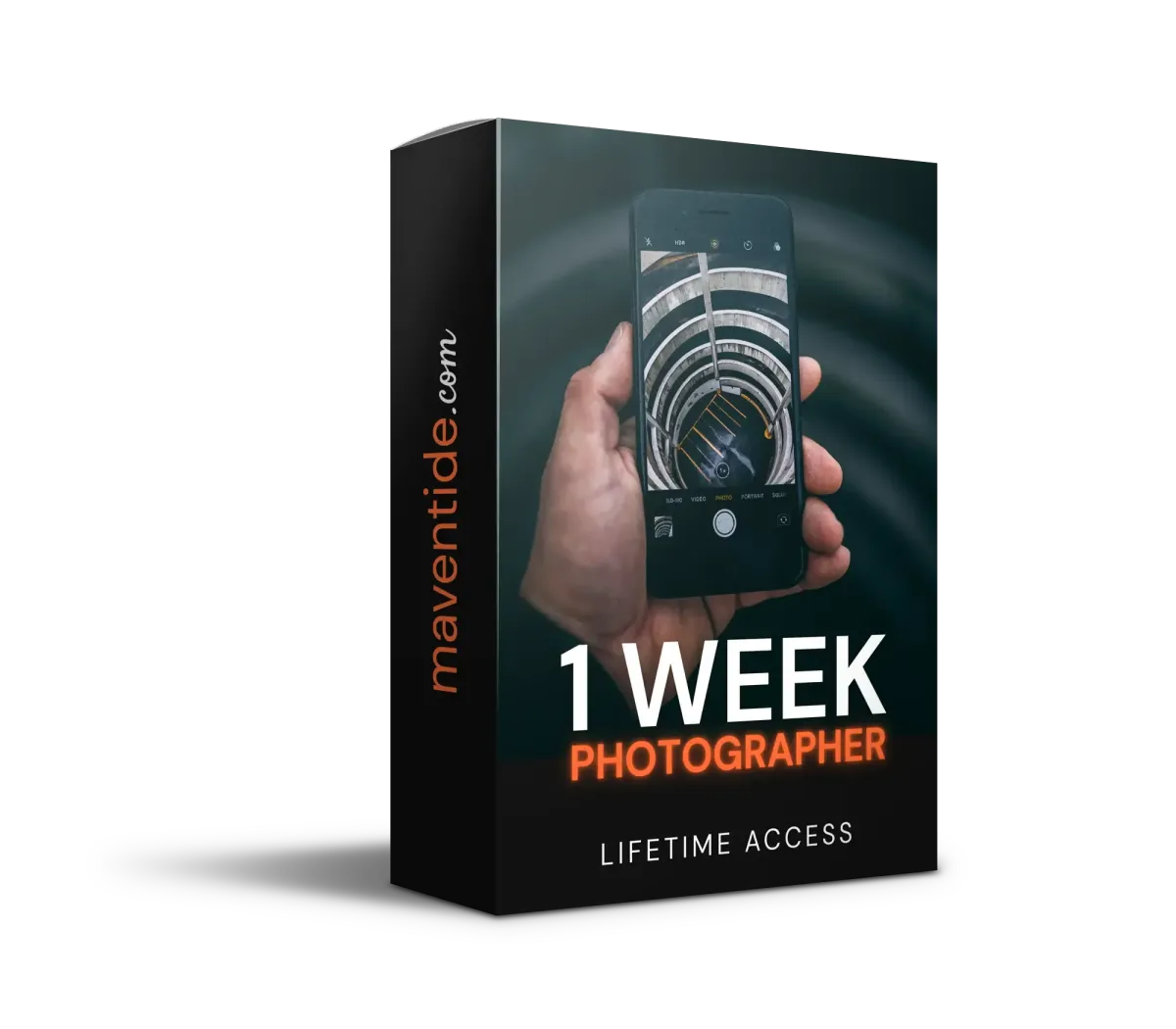
1 Week Photographer ($149)
Lightroom Mobile Course ($109)
BUNDLE BONUS: 30+ Premium Presets ($97)
BUNDLE BONUS: Coaching Community ($20/mo)
BUNDLE BONUS: Weekly Content Updates ($20/mo)
BUNDLE BONUS: iOS & Android App ($29)
BUNDLE BONUS: Camera Settings E-Book ($29)
BUNDLE BONUS: Checklists & Templates ($19)
$58

DAY 1 | Unlock Your Camera: With the free app, activate manual controls, learn to use them - and take your "before" photo.
DAY 2 | Master Light: Learn to find and use natural light in any situation. Use a free app to track the sun so you always know where the best light is.
DAY 3 | Composition: Frame your photos using proven techniques that make any scene look intentional and polished.
DAY 4 | Perspective: Learn angles and viewpoints that transform ordinary scenes into compelling images with
depth and drama.
DAY 5 | Color: Discover how to find and use complementary colors anywhere. Make your photos vibrant even without editing.
DAY 6 | Storytelling: Capture moments that tell a story — the techniques behind photos that make people feel something.
DAY 7 | Mobile Editing: Bring it all together. Edit & stylize your best shots, then compare your Day 7 photo to your Day 1 photo. See your transformation first hand!


Rapid Workflows: Learn how to organize yourself and edit your photos in seconds instead of hours.
Fix Photo Mistakes: Balance your shot by fixing up exposure mistakes, white balanced and overall look.
Color Grade In ANY Style: Learn how to use reference images to color grade your photos into any style or mood you want with complete creative control.
Polish & Export: Use masking to shape light and add final touches to make your photo complete.
Adapt To Social Media: Add borders or crop your photo to perfectly fit platforms like Instagram, TikTok and more.


Forests & Trails
Lakes & Rivers
Sunsets & Horizons


Family Gatherings
Events & Travel
Hobbies & Activities
Markets & Streets
Buildings & Skylines
Café & Restaurants

Light Trails
Waterfalls
Night Exposure


Glass Surfaces
Water
Windows
Mystery Figures
Gothic Looks
Shadow Trails


1 Week Photographer ($149)
Lightroom Mobile Course ($109)
BUNDLE BONUS: 30+ Premium Presets ($97)
BUNDLE BONUS: Coaching Community ($35/mo)
BUNDLE BONUS: Weekly Content Updates ($35/mo)
BUNDLE BONUS: iOS & Android App ($29)
BUNDLE BONUS: Camera Settings E-Book ($29)
BUNDLE BONUS: Checklists & Templates ($19)

DAY 1 | Unlock Your Camera: With the free app, activate manual controls, learn to use them - and take your "before" photo.
DAY 2 | Master Light: Learn to find and use natural light in any situation. Use a free app to track the sun so you always know where the best light is.
DAY 3 | Composition: Frame your photos using proven techniques that make any scene look intentional and polished.
DAY 4 | Perspective: Learn angles and viewpoints that transform ordinary scenes into compelling images with
depth and drama.
DAY 5 | Color: Discover how to find and use complementary colors anywhere. Make your photos vibrant even without editing.
DAY 6 | Storytelling: Capture moments that tell a story — the techniques behind photos that make people feel something.
DAY 7 | Mobile Editing: Bring it all together. Edit & stylize your best shots, then compare your Day 7 photo to your Day 1 photo. See your transformation first hand!


Rapid Workflows: Learn how to organize yourself and edit your photos in seconds instead of hours.
Fix Photo Mistakes: Balance your shot by fixing up exposure mistakes, white balanced and overall look.
Color Grade In ANY Style: Learn how to use reference images to color grade your photos into any style or mood you want with complete creative control.
Polish & Export: Use masking to shape light and add final touches to make your photo complete.
Adapt To Social Media: Add borders or crop your photo to perfectly fit platforms like Instagram, TikTok and more.

Daily Feedback & Support

Student Success


👉 This, when combined with just 7 simple photography techniques, creates professional-looking results


You own any smartphone and want dramatically better photos.
You're tired of YouTube tutorials that waste your time and contradict each other.
You want a clear, day-by-day system — not a random pile of tips
You want to capture family, travel, and life moments the way they actually felt
You're willing to practice 20-30 minutes a day for one week
You aren’t willing to take instructions and prefer to figure things out on your own
You aren’t ready to spend a few minutes a day practicing what you learn.


This site is not a part of the Facebook website or Facebook Inc. Additionally, This site is NOT endorsed by Facebook in any way. FACEBOOK is a trademark of FACEBOOK, Inc.